ProNearMe
Search for |
Become a Pro
For Homeowners
  • How It Works
  • Blog
Company
  • About Us
  • Our Team
  • Contact Us
Support
  • Privacy Policy
  • Terms of Service
  • Editorial Guidelines
© 2026 ProNearMe Private Limited|CIN: U74909DC2026PTC471497
Privacy|Terms|Anti Discrimination Policy
Download on the App StoreGet it on Google Play
Made with ❤️ in India
ProNearMe
Laptop Services in Delhi

Laptop Repair & Service in Delhi

FixThat laptop services in Delhi begin with one question: is it the charger, the battery, the screen, the software or the board? A ₹199 check-up answers that in about 45 minutes on Windows laptops, MacBooks and gaming laptops. You get the fault and the cost in writing before any repair starts, and the fee is adjusted in the final invoice if you approve. Need it back quickly? Ask for a same-day slot.

Laptop Services in Delhi
Repair
Laptop check-up
Laptop check-up

Book this visit for a Windows laptop, MacBook or gaming laptop. The technician traces the fault and puts a quote in writing before touching anything. If you approve the work, the ₹199 is adjusted in the final repair bill.

Starts at ₹199• 45 mins
9 options
Service
Laptop or desktop service

Dust settles inside a laptop or desktop, chokes the air flow and leaves it hot and slow. We clear it from the fans, vents and components inside.

Starts at ₹599• 1 hr
4 options
Upgrade / Installation
System upgrade consultation

Not sure which RAM or storage upgrade suits your device? The technician looks it over and tells you what fits and the cost. Go ahead with it and the fee is adjusted in the final bill.

Starts at ₹199• 30 mins
4 options
Component installation

Already bought a part? The technician puts it in for you and confirms it is working.

Starts at ₹600• 45 mins
4 options
Add-ons
OS reinstallation
OS reinstallation

We put a clean copy of the operating system and basic drivers on your device. This wipes your files, so take a backup before the visit.

₹749• 1 hr 30 mins
ProNearMe promise
Approved Professionals

Every professional is approved by our team before taking jobs

No Hidden Charges

Clear pricing before work starts with approval for any extra work

30-Day Warranty

Every job is backed by a 30-day service warranty

Dedicated Support

Quick help and service support even after the job is completed

Secure payment options

VISAMastercardUPIGoogle PayPaytm

Laptop services in Delhi for each fault, with prices

Find what your laptop is doing in the first column. The cause is the likely one, and the check-up confirms it. All nine check-up types cost the same.

What you noticeLikely causeWhat to bookPrice
Plugged in, but the battery does not fillAdapter, cable, charging port or batteryLaptop check-up, not charging₹199
Black screen, lines or flickerScreen, display cable or graphics faultLaptop check-up, display issue₹199
Cracked screen, broken hinge or dented bodyKnock or dropLaptop check-up, physical damage₹199
Fan loud, body hot, sudden shutdownDust in the fan, vents and heat sinkLaptop serviceWindows ₹699, gaming or MacBook ₹999
Still hot after a cleaningFan or temperature faultLaptop check-up, overheating₹199
Slow start, hanging, apps freezingStorage, startup load or low RAMLaptop check-up, slow or hanging₹199
Error screens, Windows not loadingDamaged system files or failing storageLaptop check-up, software issue₹199
Dead keys or a touchpad that jumpsKeyboard or touchpad faultLaptop check-up, keyboard issue₹199
Loose USB or HDMI, no soundWorn port or speaker faultLaptop check-up, port or speaker issue₹199
You want more RAM or storageCurrent memory or disk too smallSystem upgrade consultation₹199
You already bought the partNeeds fitting and a testComponent installation₹600

Laptop check-up in Delhi, step by step

The check-up takes about 45 minutes on a Windows laptop, MacBook or gaming laptop. It runs in this order, from power to price.

  1. Power: the charger and battery are checked first, since a laptop with no power hides every other fault.
  2. Parts you touch: screen, keyboard, touchpad, ports and speakers are tested one by one.
  3. Heat: fan and temperature are checked for overheating.
  4. Slowness: startup, storage and software are checked.
  5. Quote: the fault and the cost appear in writing on your booking before any repair starts.
  6. Your decision: approve the work and the ₹199 is adjusted in the final repair invoice.

Laptop not charging or not turning on in Delhi

Start with what you can see. Try the adapter in a second wall socket that you know works, and look along the cable, especially near both ends, for a kink or cut. If the adapter has a small light and it stays off in both sockets, the adapter or cable is the first suspect.

If the adapter seems fine but the battery percentage never climbs, the fault has moved inside the laptop. Charge that comes and goes when you wiggle the pin points to the charging port. A steady connection with no charge points to the battery or the charging circuit on the board.

Delhi's supply is often blamed first, and it is not always the cause. Apple rates its USB adapters for 100 to 240 volts, and DERC's limit keeps home supply at about 216 to 244 volts. Check the input range on your own adapter label. If the adapter died during a storm or a spark, say so at booking. If sockets are sparking or the MCB keeps tripping, that is a job for electrical services first.

Buying a new charger yourself? Match the wattage printed on the old one. If the label shows a BIS R-number, the BIS Care app lets you check it before you pay.

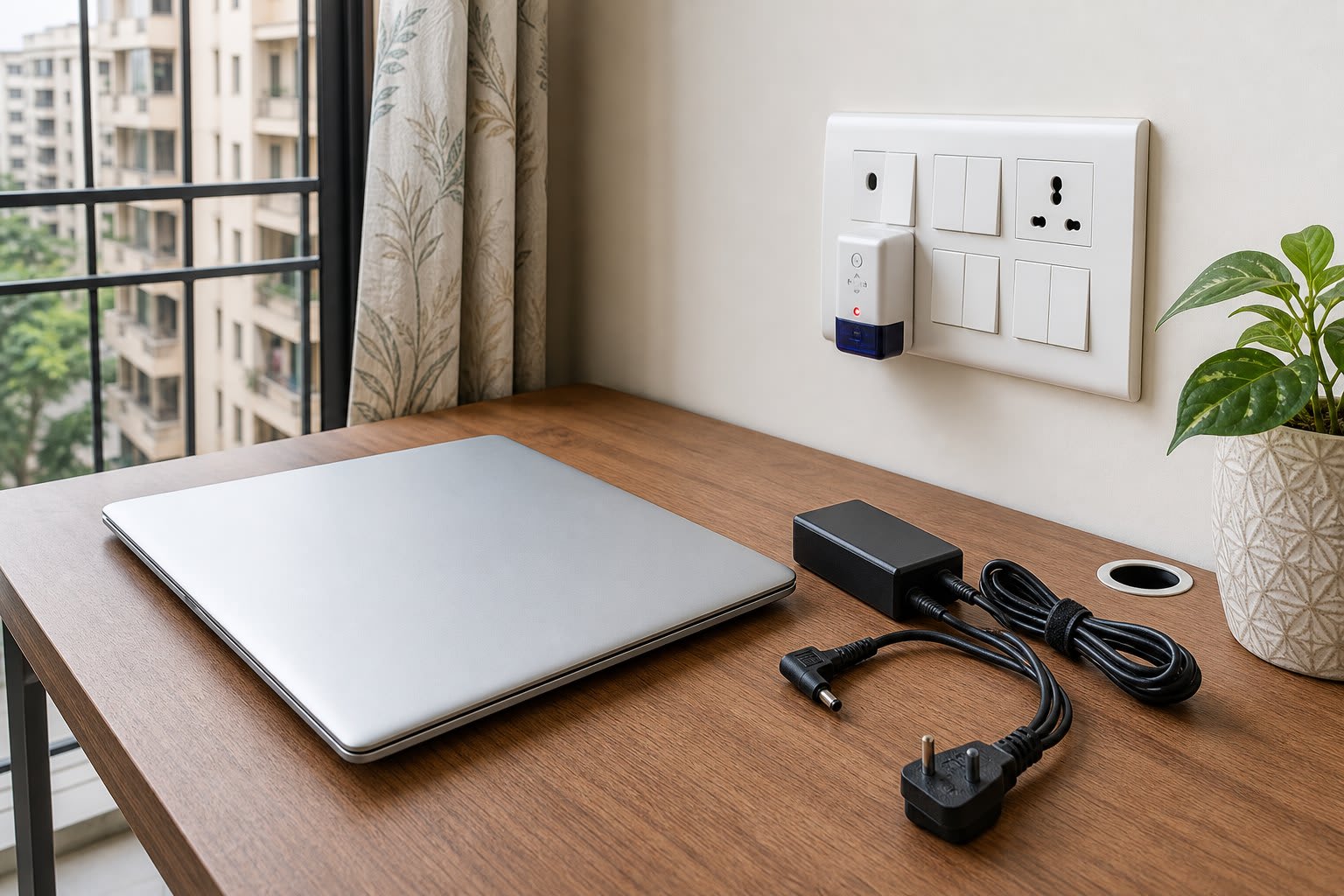
Laptop, power adapter and wall socket set out for laptop services on a charging fault in a Delhi flat
An illustration of the first checks: the socket, the cable and the adapter, before anyone opens the laptop.

Laptop battery swelling, fast drain and battery replacement

A swollen battery comes first because it is the one fault you should not keep using. Warning signs are a bulging case, gaps opening along the body, a laptop that wobbles on a flat table, or a lid that no longer closes properly. Dell says lithium-ion batteries can swell with age, charge cycles or high heat.

Dell's advice is to stop using the laptop, disconnect the adapter and let the battery drain. Do not press, bend or puncture the battery, and do not force it out. Book a check-up and mention the swelling, so it is known before the laptop is opened.

Fast drain is slower trouble. Dell says typical users notice shorter runtime after 18 to 24 months, and sooner with heavy use. On a MacBook, hold Option, click the Apple menu, open System Information and look under Power for the cycle count. Apple lists limits of 300, 500 or 1,000 cycles by model, and advises replacing the battery at that limit.

If you already have the right battery for your model, fitting it is ₹600 under component installation, with a test afterwards. If you need the part too, the check-up quote sets the cost, as prices vary by model.

Laptop screen, keyboard, USB port and speaker faults

With a blank screen, first connect the laptop by HDMI to a monitor or TV. A picture on the bigger screen usually clears the graphics and points to the laptop's own panel or its display cable. No picture on either points deeper, towards the board. If the TV shows nothing on any input, that is a separate TV repair booking.

Lines that shift when you move the lid suggest the display cable near the hinge. Fixed lines, black spots or pressure marks after a knock usually mean the panel itself is damaged. Dell lists black spots, LCD lines and pressure marks among damage its basic support does not cover.

For keys, plug in a USB keyboard. If that types normally, the laptop's keyboard or its connection is at fault rather than Windows. For a USB port, try the same device in another port. For sound, try headphones: clear audio there points to the speakers, and silence points to software or the board.

Tea or water spilled on a laptop

What you do in the first minute matters. Lenovo's advice is to unplug the adapter and turn the laptop off immediately, because stopping the current early reduces damage from short circuits. It also says not to turn the computer over to drain it, and to wait until you are certain the liquid is dry before switching on.

Do not test it to see if it still works. Book a check-up, choose physical damage or keyboard issue, and tell the professional what was spilled and when. Sweet tea and plain water do not leave the same residue, and corrosion can follow a spill. Dell lists motherboard corrosion from liquid among damage its basic support does not cover, so check your cover before you assume a brand will pay.

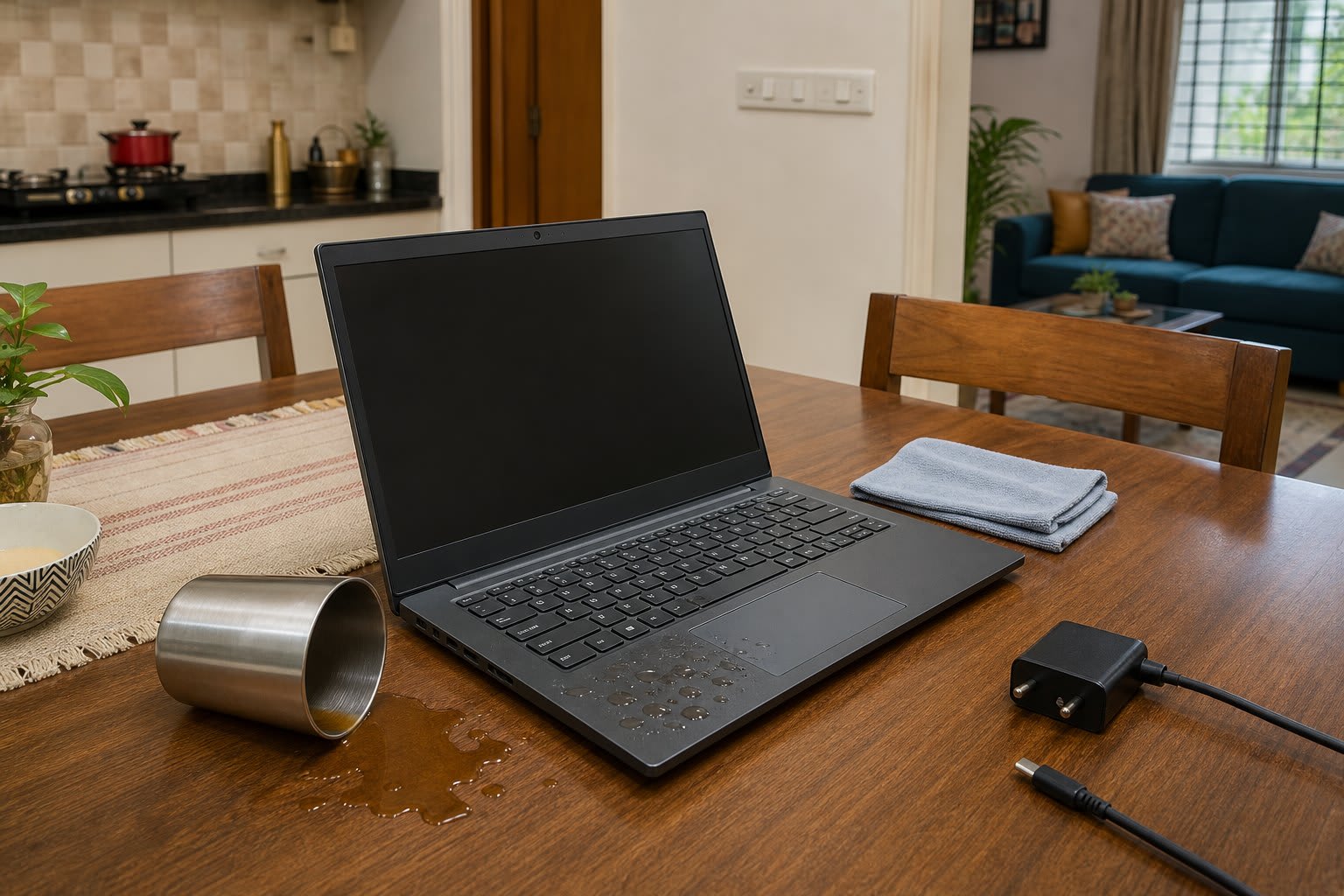
Laptop with a tea spill on a Delhi dining table, charger unplugged, before laptop services begin
An illustration of the right first step after a spill: charger out, power off, and no test until it is dry.

Laptop overheating and sudden shutdown in Delhi summer

Apple says to use a Mac laptop where the room is between 10°C and 35°C. IMD recorded 45.1°C at Safdarjung on 19 May 2026, and the normal May high there is 39.9°C. So a room with no cooling in May can go past that limit before a fan even clogs.

When a laptop gets hot it speeds up its fan, and it may slow down or switch off to protect itself. Before you book, try it on a table, as Apple warns against beds, pillows and bedding. Do not leave it in a parked car either, and keep the vents clear.

If it still runs hot, book the service. The device is opened with care, the fans, vents and heat sink are cleaned, the keyboard and screen are wiped, and temperature and performance are checked afterwards. It takes about an hour: ₹699 for a Windows laptop and ₹999 for a gaming laptop or MacBook. Desktops are ₹599.

If heat returns soon after a cleaning, dust was not the whole story. Book the overheating check-up so the fan and temperature are tested properly. Heat also ages the battery, Dell notes.

Opened laptop showing a dusty fan and heat sink during laptop services in Delhi
An illustration of dust on the fan and heat sink, the parts a laptop service cleans.

Slow laptop, RAM, SSD and Windows reinstall prices in Delhi

A slow laptop has more than one fix, so match the symptom before you spend. Not every model takes an upgrade: some have memory soldered to the board, and the consultation tells you what fits yours. Among the add-ons, OS reinstallation erases your files, so back up before the visit.

SituationWhat usually helpsWhat to bookPrice
Takes minutes to start, still on a hard diskA move to an SSD, if your model takes oneSystem upgrade consultation₹199
Freezes with many tabs or apps openMore RAM, if a slot is freeSystem upgrade consultation₹199
You already own the RAM or SSDFitting and a detection testComponent installation₹600
Windows is damaged or full of errorsFresh OS and basic drivers, as an add-onOS reinstallation, 1 hr 30 mins₹749

Delhi voltage, heat and warranty facts for laptops

Low voltage and power cuts belong to your electricity company, not a laptop technician. Your bill names the company. The maker figures below vary by model, so check your own manual.

Home supply limit
230 volts on single phase, within 6% at the point of supply, about 216 to 244 voltstatapower-ddl.com(opens in a new tab)
Local voltage problem
DERC's standard is resolution within four hours of your complaint, then ₹50 for each day of defaulttatapower-ddl.com(opens in a new tab)
South and West Delhi
BSES Rajdhani, helpline 19123bsesdelhi.com

Laptop repair or buy new in Delhi, and the 30-day warranty

Read the written quote against three things: how old the laptop is, whether its battery is near the end of its life, and whether it can run the software you need. A quote for a new battery on a sound laptop is usually easy to accept. A board repair on an old machine that misses the Windows 11 minimum is harder to justify. No fixed rule fits every case, so ask the professional which part of the quote matters most.

If the laptop is still under brand warranty, read the card before anyone opens it, and ask the brand in writing if you are unsure. A maker's defect belongs with the maker. Spills and knocks are often excluded, as Dell's list shows, and that is when an outside repair starts to make sense.

After a FixThat repair, if the same fault comes back within 30 days, the repair is covered. Any brand warranty still running has its own separate terms.

FixThat is the repairs site of ProNearMe, so you get the same booking, prices and support. The about page has more on how it works. Retiring the laptop instead? Back up, wipe your data and ask the brand about take-back, since laptops fall under India's e-waste rules.

Back up and find your BitLocker key before the laptop check-up

Copy your files to an external drive or cloud storage first, because storage may need replacing and an OS reinstall erases everything. On Windows, find your BitLocker recovery key. Microsoft says Windows can ask for it after a hardware change, and its support team cannot retrieve a lost key. Look in your Microsoft account, on a printout or on a USB drive.

On a MacBook, Apple asks you to back up and turn off Find My Mac on macOS 26 or earlier, or turn on Ready for Repair on macOS 27 or later.

What Laptop Services Costs in Delhi

Other charges for Laptop Services in Delhi, beyond the price you book. The pro confirms any of these with you before adding them.

Visit and diagnosis5
  • Laptop check-up

    Adjusted in the final repair invoice if you approve the work

    ₹199

    per visit

  • Labour per repair, capped per device

    Part prices include the part, sourcing and travel. Labour never goes above ₹349 per device

    ₹0 to ₹349

    per device

  • Second visit to fit a part

    When the part had to be ordered

    ₹0

    per visit

  • Repeat fault within 30 days

    Same fault after a repair

    ₹0

    per visit

  • Cancelled after the professional is on the way

    No fee if the professional is more than 30 minutes late

    ₹200

    per booking

Service and installation11
  • Service, Windows laptop

    ₹699

    per device

  • Service, gaming laptop

    ₹999

    per device

  • Service, MacBook

    ₹999

    per device

  • Service, standard desktop

    ₹599

    per device

  • Service, all-in-one desktop

    ₹1,099

    per device

Minor fixes2
  • Minor fix

    RAM refit, power cable, battery adjustment, driver update, connectivity, third-party software or tune-up. No labour extra

    ₹500

    per device

  • Wire adjustment

    Labour only

    ₹299

    per device

Charger and battery12
  • Charger, compatible, 45 W

    Plus labour, capped at ₹349 per device

    ₹1,200

    per piece

  • Charger, compatible, 65 W

    ₹1,400

    per piece

  • Charger, compatible, 90 W

    ₹1,600

    per piece

  • Charger, compatible, above 90 W

    ₹1,800

    per piece

  • Charger, brand part, 45 W

    ₹1,600

    per piece

Screen11
  • Laptop screen, 14 inch LCD or LED

    Plus labour, capped at ₹349 per device

    ₹4,000

    per piece

  • Laptop screen, 15.6 inch

    ₹4,800

    per piece

  • Laptop screen, 17.3 inch

    ₹4,500 to ₹5,000

    per piece

  • Laptop screen, IPS

    ₹6,500

    per piece

  • Laptop screen, IPS 40 pin

    ₹7,000

    per piece

Motherboard9
  • Laptop motherboard repair, shorting, charging or BIOS

    ₹3,000 for processor generation 1 to 4, ₹3,500 for 4 to 8, ₹4,000 for 9 and above. Chip-level repair

    ₹3,000 to ₹4,000

    per device

  • Laptop motherboard chip or I/O controller repair

    ₹3,400 for processor generation 1 to 4, ₹4,500 for 4 to 8, ₹5,500 for 9 and above

    ₹3,400 to ₹5,500

    per device

  • Gaming laptop motherboard repair

    By model

    ₹4,500 to ₹7,000

    per device

  • Desktop motherboard repair

    ₹1,600

    per device

Keyboard and touchpad7
  • Laptop keyboard

    By model. Plus labour, capped at ₹349 per device

    ₹2,000 to ₹2,200

    per piece

  • Laptop keyboard, backlit

    ₹2,650

    per piece

  • Touchpad

    ₹2,800

    per piece

  • Touchpad button

    ₹1,800

    per piece

  • Touchpad cable

    ₹800

    per piece

Body and other parts25
  • Camera

    Plus labour, capped at ₹349 per device

    ₹1,700

    per piece

  • Cooling fan

    ₹1,800

    per piece

  • Cooling fan, slim

    ₹1,250

    per piece

  • Heat sink

    ₹2,200 to ₹2,400

    per piece

  • DC charging jack

    ₹2,000

    per piece

Storage and RAM20
  • Laptop speed upgrade, SSD with data move

    Flat price

    ₹3,399

    per device

  • SSD, 128 GB

    By type. Plus labour, capped at ₹349 per device

    ₹3,220 to ₹3,640

    per piece

  • SSD, 256 GB

    By type

    ₹4,420 to ₹5,200

    per piece

  • SSD, 512 GB

    By type

    ₹7,020 to ₹8,160

    per piece

  • SSD, 1 TB

Software and data8
  • OS reinstallation

    No labour extra. Your files are erased, so back up first

    ₹749

    per device

  • macOS reinstallation

    ₹1,600

    per device

  • OS licence, home edition

    ₹11,900

    per licence

  • OS licence, professional edition

    ₹16,700

    per licence

  • Antivirus software

    By plan

    ₹800 to ₹1,500

Desktop parts and accessories19
  • SMPS power supply, standard

    Plus labour, capped at ₹349 per device

    ₹1,200

    per piece

  • SMPS power supply, 450 W

    ₹3,800

    per piece

  • SMPS power supply, 650 W

    ₹6,500

    per piece

  • SMPS power supply, 850 W

    ₹11,500

    per piece

  • CPU fan

    ₹550

    per piece

GST and the platform fee are added at checkout and shown before you pay.

Where we serve in Delhi

Bookings are open across Delhi. Not sure if your area is covered? Call us before booking and we will confirm.

Delhi questions on laptop repair, data and warranty

The check-up is ₹199. A service is ₹699 for a Windows laptop, ₹999 for a gaming laptop or MacBook, and ₹599 for a desktop. OS reinstallation is ₹749, and fitting a part you already have is ₹600.

No repair starts without the written quote on your booking. The ₹199 is adjusted in the final invoice only if you approve the work, so saying no means the check-up is what you paid for.

Parts differ by brand, model and screen type, so one number would mislead you. The check-up names the fault and the quote gives the cost for your laptop.

Ask for a same-day slot when you book. Whether the repair also finishes that day depends on the fault and on the part your model needs, and the professional tells you after the check-up.

Yes, for the internal cleaning service at ₹599 and for fitting RAM, a graphics card or storage you already have, at ₹600. The ₹199 check-up is listed for laptops only, so ask at booking if a desktop has a fault.

An OS reinstallation erases your files, so back up before the visit. Other repairs may not touch them, but a failing drive can fail further. Keep a copy before any laptop is opened.

Dell says to stop using the laptop and let the battery drain with the adapter unplugged. It warns that puncturing, bending or crushing a battery can be dangerous. Book a check-up and mention the swelling.

Dust in the fan and vents, a soft surface blocking airflow, or a room above the maker's limit are the usual causes. Move it to a table first. If it still shuts down, book a service, and then the overheating check-up if the heat returns.

Only if heat is causing it. A service cleans the fans, vents, heat sink and internal parts. If the laptop is slow when cool, the slow or hanging check-up looks at startup, storage and software instead.

Yes. Component installation is ₹600 for a part you already have, and the device is tested to check the part is detected. Check that the part suits your model before you buy, or book the ₹199 consultation first.

It depends on the model. Apple's MacBook Air specs list memory and storage as options chosen at purchase, so the ₹199 consultation may end with no upgrade to offer. It tells you what fits and what it costs.

It covers the repair: if the same fault comes back within 30 days, it is covered. Ask for the full terms when you book.

Woman using smartphone to find Laptop Services professionals near Delhi on ProNearMe

How FixThat works

Choose a Service

Select the service you need and pick your preferred date and time

Book Your Appointment

Enter your address and confirm your booking with secure payment options

Sit Back & Relax

An approved professional arrives at your doorstep and completes the job properly

Woman using smartphone to find Laptop Services professionals near Delhi on ProNearMe
How FixThat works
Choose a Service

Select the service you need and pick your preferred date and time

Book Your Appointment

Enter your address and confirm your booking with secure payment options

Sit Back & Relax

An approved professional arrives at your doorstep and completes the job properly


  • Plumbing Services in Delhi
  • Carpentry Services in Delhi
  • Painting Services in Delhi
  • Electrical Services in Delhi
  • Stove & Cooktop Services in Delhi
  • Chimney Services in Delhi
  • Washing Machine Services in Delhi
  • Microwave Services in Delhi
  • Refrigerator Services in Delhi
  • Television Services in Delhi
  • Air Cooler Services in Delhi
  • Geyser Services in Delhi
  • RO/Water Purifier Services in Delhi
  • AC Service & Repair in Delhi
  1. FixThat/
  2. Laptop Services
Book over the phone
+91 9990040510
Slow only when hot
Cleaning of fan and heat sink
Windows laptop service
₹699
(opens in a new tab)
East and Central Delhi
BSES Yamuna, helpline 19122bsesdelhi.com(opens in a new tab)
North and North West Delhi
Tata Power-DDL, helpline 19124tatapower-ddl.com(opens in a new tab)
May heat at Safdarjung
45.1°C on 19 May 2026, against a normal May high of 39.9°C, per IMDmausam.imd.gov.in(opens in a new tab)
Mac laptop room range
Apple lists 10°C to 35°C ambient temperaturesupport.apple.com(opens in a new tab)
Apple adapter input
Apple says its USB power adapters are designed for 100 V to 240 V AC at 50 Hz to 60 Hzsupport.apple.com(opens in a new tab)
Dell damage list
Liquid spills, cracked glass, port connector damage and adapter cord damage are listed as not covered by basic supportdell.com(opens in a new tab)
Windows 11 minimum
4 GB RAM, 64 GB storage and TPM 2.0support.microsoft.com(opens in a new tab)
E-waste rules
Schedule I of the E-Waste (Management) Rules, 2022 lists laptop computers as ITEW3cpcb.gov.in(opens in a new tab)

Service, gaming desktop

₹998

per device

  • Thermal paste, gaming laptop or desktop

    Add-on to a service

    ₹449

    per device

  • Desktop assembling

    ₹699

    per desktop

  • Gaming desktop assembling

    ₹1,099

    per desktop

  • Part installation only, your own part

    ₹600

    per part

  • Part installation only, all-in-one desktop

    ₹699

    per part

  • Charger, brand part, 65 W

    ₹1,800

    per piece

  • Charger, brand part, 90 W

    ₹2,000

    per piece

  • Charger, brand part, above 90 W

    ₹2,200

    per piece

  • MacBook charger

    By model

    ₹3,800 to ₹6,200

    per piece

  • Laptop battery, compatible

    By model

    ₹1,700 to ₹3,200

    per piece

  • Laptop battery, brand part

    By model

    ₹2,800 to ₹4,800

    per piece

  • MacBook battery

    By model

    ₹8,200 to ₹11,000

    per piece

  • Laptop touch screen

    ₹12,500

    per piece

  • 360 degree convertible laptop display

    ₹18,700

    per piece

  • Display cable

    ₹1,600

    per piece

  • Display panel with hinges

    ₹2,450

    per piece

  • MacBook screen

    By model

    ₹8,800 to ₹32,000

    per piece

  • MacBook display panel

    By model

    ₹12,000 to ₹40,000

    per piece

  • Desktop motherboard shorting repair

    ₹2,500

    per device

  • Desktop motherboard chip or I/O controller repair

    ₹3,000

    per device

  • All-in-one desktop motherboard repair

    ₹4,000

    per device

  • MacBook motherboard repair, models before 2017

    ₹6,000

    per device

  • MacBook motherboard repair, 2017 and later

    Higher for newer chip models

    ₹9,150 to ₹11,650

    per device

  • MacBook keyboard

    By model

    ₹3,200 to ₹8,000

    per piece

  • MacBook trackpad

    By model

    ₹4,000 to ₹8,200

    per piece

  • DC charging jack on the motherboard

    ₹2,500

    per piece

  • Power button

    Plus ₹299 labour

    ₹1,050

    per piece

  • Speaker

    ₹1,400

    per piece

  • Hard disk connector

    ₹1,400

    per piece

  • Hinge

    ₹1,400

    per piece

  • Port (USB, HDMI or audio)

    ₹1,400

    per piece

  • WiFi card

    ₹1,200

    per piece

  • Power cable

    ₹550

    per piece

  • DVD writer

    ₹1,450

    per piece

  • Base (bottom cover)

    ₹2,500

    per piece

  • Front panel

    ₹3,200

    per piece

  • Front panel body repair

    ₹2,000

    per device

  • Body repair

    ₹1,400

    per device

  • Palm rest

    ₹2,850

    per piece

  • Missing screws

    ₹1,000

    per device

  • Bottom rubber feet

    ₹500

    per device

  • MacBook cooling fan

    ₹2,700

    per piece

  • MacBook heat sink

    ₹1,800

    per piece

  • MacBook speaker

    By model

    ₹5,500 to ₹8,000

    per piece

  • MacBook WiFi card

    By model

    ₹4,500 to ₹7,000

    per piece

  • By type

    ₹8,500 to ₹14,080

    per piece

  • Laptop hard disk, 500 GB

    ₹1,800 to ₹3,900

    per piece

  • Laptop hard disk, 1 TB

    ₹5,600

    per piece

  • Laptop hard disk, 2 TB

    ₹9,000

    per piece

  • Desktop hard disk, 500 GB

    ₹1,500 to ₹2,700

    per piece

  • Desktop hard disk, 1 TB

    ₹4,400 to ₹5,600

    per piece

  • Desktop hard disk, 2 TB

    ₹6,200 to ₹7,000

    per piece

  • Desktop hard disk, 4 TB

    ₹5,700 to ₹11,000

    per piece

  • Hard disk caddy

    ₹300

    per piece

  • External SATA casing

    ₹750

    per piece

  • RAM, DDR3 4 GB

    ₹1,260 to ₹2,240

    per piece

  • RAM, DDR3 8 GB

    ₹2,240 to ₹3,780

    per piece

  • RAM, DDR4 4 GB

    ₹1,900 to ₹4,810

    per piece

  • RAM, DDR4 8 GB

    ₹2,600 to ₹6,480

    per piece

  • RAM, DDR4 16 GB

    ₹3,300 to ₹14,685

    per piece

  • RAM, DDR5 16 GB

    ₹13,200

    per piece

  • per licence

  • Minor software fix

    Plus ₹199 labour

    ₹300

    per device

  • Data save, above 50 GB

    You are responsible for backing up your data. This is an optional copy to your own drive

    ₹200

    per device

  • Data save, above 200 GB

    You are responsible for backing up your data. This is an optional copy to your own drive

    ₹300

    per device

  • CPU fan, gaming

    ₹900

    per piece

  • Monitor PCB repair

    ₹1,149

    per piece

  • USB WiFi adapter

    By speed

    ₹450 to ₹1,500

    per piece

  • USB Bluetooth adapter

    ₹450

    per piece

  • USB sound card

    ₹500

    per piece

  • USB keyboard

    ₹450

    per piece

  • USB mouse

    ₹400

    per piece

  • Wireless mouse

    ₹750

    per piece

  • Wireless keyboard and mouse set

    ₹1,500

    per set

  • Webcam

    ₹900

    per piece

  • HDMI cable

    ₹499

    per piece

  • VGA cable

    ₹300

    per piece

  • SATA cable

    ₹100

    per piece

  • External cooling fan

    ₹350

    per piece